


Right. Let's set this straight. I've always thought about the fact that in tap you can access your favorite web page or whatever. I've never ever personally liked this trick (And yes this trick is quite old, but not a lot of people don't know how to do it, let it alone know what it is.) , but it's worth showing. Basically all it is, is that Apple (the company. Not the fruit!) lets you select your favorite web page and turn it into a bookmark on one of your iPhone pages. Here is an example:

See that white app looking thing with a heart on it? That's what we are going for. So that's what we are going to do! Let's go straight into the tutorial!
Note: This tutorial is for iPhone users only. I think that anyone who owns the very first iPhone that ever came out up to the latest and newest iPhone can do this. Also iTouch users can do this too!
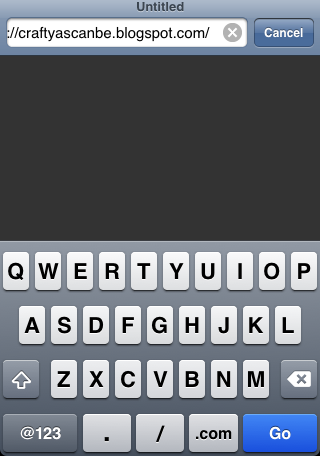
So the first thing you are going to want to do is go to the Safari app and type in the web address (URL) you want to bookmark. For this bookmark I am using my website. (http://craftyascanbe.blogspot.com).

If you want your bookmark to have a clip of the web page just move and scale. I went for the heart because that's what symbolizes Crafty As Can Be. Afterwards, tap the icon with the square and the arrow coming out of it and tap “Add to Home Screen”.

Edit the name and the the icon. To edit the icon just tap the icon and select and drag 'till you get the icon you want. Then tap “Add” (top right hand corner).

Afterwards, your bookmark should appear on your iPhone screen. Enjoy going to your favorite web page with just a tap.



